


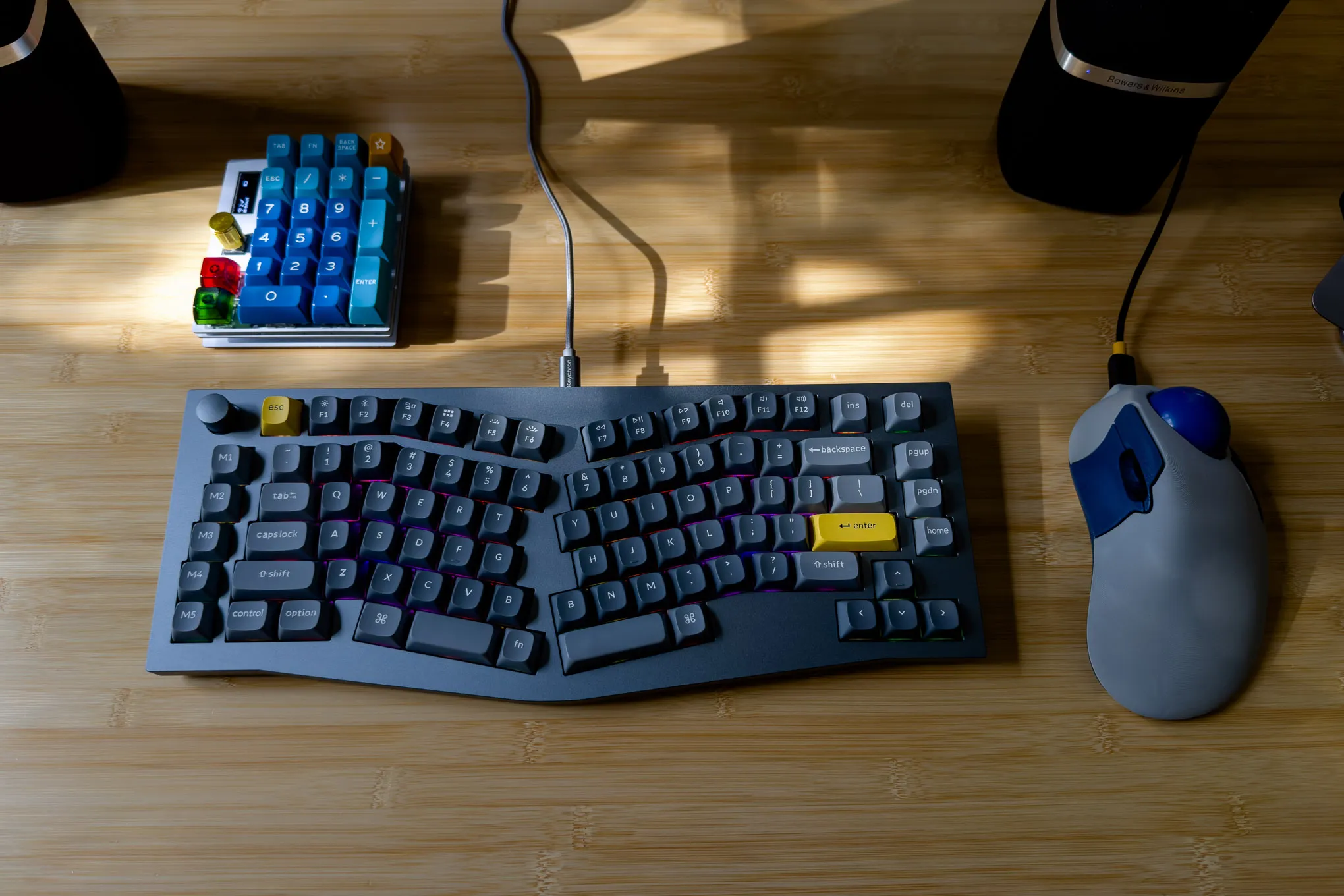
In recent years, there has been a growing trend in computer peripherals: keyboards with built-in displays. These keyboards offer extra features, such as customizable keys, real-time information displays, and even touch-sensitive screens. But with these added functionalities comes an increased price tag. So, are keyboard with display worth the extra cost? In this article, we’ll explore the pros and cons of these high-tech keyboards to help you decide whether they’re a worthwhile investment for your needs.
What Are Keyboards with Displays?
Keyboards with displays are exactly what they sound like: standard keyboards that come with a built-in screen or screens. These displays can vary in size and function, from small monochrome panels to large, full-color touchscreens. These keyboards are typically aimed at professionals who require enhanced functionality, such as gamers, content creators, or people working in technical fields. Some of the most notable examples of keyboards with displays are the Logitech G19s, which features a color LCD, and the Razer Deathstalker Ultimate, which includes a touch screen for customizable controls.
Key Features of Keyboards with Displays
- Customizable Key Labels: Some models allow users to change the labels on individual keys using the display, which can be particularly useful for software with complex shortcuts.
- Real-Time Information: The display can show system information like CPU usage, battery life, or social media updates.
- Media Controls and Widgets: Some keyboards allow you to control media playback or display useful widgets (weather, news, calendar) directly from the keyboard.
- Touch Screens for Enhanced Interactivity: Some keyboards integrate touch screens for quick access to macros, settings, or app-specific functions.
Advantages of Keyboards with Displays
Enhanced Functionality and Customization
One of the biggest selling points of keyboards with displays is the added functionality. For creative professionals, gamers, and anyone who needs rapid access to a variety of tools, the ability to quickly adjust settings or display real-time information directly on your keyboard can improve productivity. Customization is another key benefit—users can set up the display to show anything from stock prices to specific key shortcuts.
Streamlined Workflow
For professionals who work with design software, coding environments, or video editing tools, having the ability to display relevant tools on the keyboard itself can significantly streamline workflow. Rather than switching between windows or constantly relying on mouse clicks, you can access your most-used functions at a glance.
Aesthetic Appeal
Keyboards with displays can also look impressive, making them a sought-after accessory for gamers and streamers. The sleek designs, often accompanied by customizable RGB lighting and dynamic displays, add a level of futuristic flair to your setup. While this doesn’t impact functionality directly, aesthetics matter to many people when investing in high-end peripherals.
Disadvantages of Keyboards with Displays
Price
The most obvious drawback to keyboards with displays is the price. These keyboards are typically much more expensive than standard models due to the added hardware and technology. Prices for some premium models can range from $150 to upwards of $300 or more, which might not justify the investment for casual users or those who don’t need the extra features.
Learning Curve
For some users, the additional features of a keyboard with a display can add a level of complexity that takes time to master. Configuring the display to your needs may require some learning and adjustment. Furthermore, some displays may not be as intuitive as you’d hope, especially if they require additional software to function properly.
Durability Concerns
As with any device that integrates a screen, keyboards with displays are more prone to wear and tear. The screens are often more susceptible to damage from spills, dust, or mechanical stress than traditional keyboards. Additionally, the added components could make the keyboard more prone to malfunctions over time, particularly if it’s used heavily in demanding environments.
Who Should Invest in a Keyboard with a Display?
If you’re a gamer or professional who values having quick access to real-time information, customization options, or a sleek aesthetic, a keyboard with a display may be worth the extra cost. These keyboards can provide benefits like streamlined workflows and an improved user experience.
For instance, streamers may benefit from a customizable display that shows live statistics or chat messages. Similarly, software developers may find it useful to display important system information or debugging tools directly on their keyboard, saving time and effort.
However, for casual users who mainly use a computer for basic tasks like browsing, typing, and watching videos, a traditional keyboard is likely sufficient. The extra cost of a keyboard with a display might not be justified, as the added features might not offer substantial benefits for everyday use.
Conclusion: Are Keyboards with Displays Worth the Extra Cost?
The decision of whether keyboards with displays are worth the extra cost depends largely on your needs and budget. For tech enthusiasts, professionals, or gamers who require advanced functionality and aesthetic appeal, these keyboards offer a significant boost in performance and convenience. However, if you don’t need the extra features or are simply looking for a standard, reliable keyboard, it’s likely better to stick with a more affordable option. Ultimately, the value of these keyboards comes down to how much you prioritize the added features and whether they enhance your computing experience.
